✓ RealRankly Editors·Updated November 2026·10 options reviewed·100+ sources analysed
Choosing the right technology option requires balancing overall performance, ease of use, and value for money - priorities that vary widely between buyers. We evaluated 10 options across 8 criteria to help you make a confident, informed decision. Adjust the sliders above to weight each criterion to match your own needs and see the ranking update in real time.
Share:
💬 What real owners actually say
Synthesized from 2026 owner reviews & discussions across social media — the things spec sheets leave out.
Prices keep climbing. One of the most-liked comments says 380 for a screenless tablet means the people at Wacom are living on Mars, and another calls the rate at which prices have skyrocketed insane.
A display is not automatically better. One artist felt pushed to upgrade from a pen tablet to a display because all the pros use them, then realized it would leave them shrivelled up at their desk. With existing back problems, they saw no reason to pay more to make them worse.
Expect an adjustment period. One owner of a screenless tablet plans to try again to see if they can get used to it. Another finds it difficult to see exactly where to put the pen when annotating a PDF.
Specs matter only for some work. One painter says 16k pen pressure made a huge difference in how they paint digitally, though it matters far less for cell shading or a non-textured pen. Another notes that anti-glare only diffuses light, and the real factor for outdoor visibility is the screen’s nits, where higher is better.
Displays can double as a desktop. One Movink Pro 14 owner, who used to have a Wacom Mobile Studio, connects it to a Mac mini like a Cintiq and calls it a dream, with both tablet and desktop apps in one setup.
Each slider sets how much each criterion matters to you (0 = ignore, 10 = critical).
Ranked Results
Default weights - scroll up to customise
What the review covers — Brad Colbow
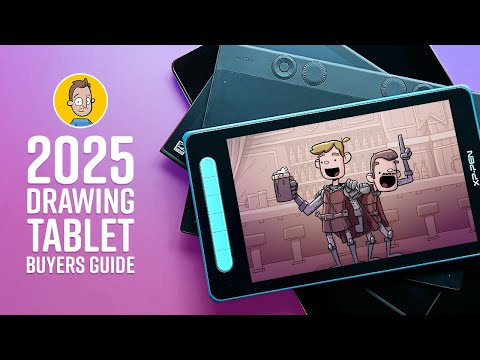
Key points from Brad Colbow’s review, tested hundreds of tablets — plus the full video below.
Brad Colbow — who has tested hundreds of drawing tablets — rounds up the best by price and size.
The theme: decide first between a pen tablet, a pen display, or a standalone tablet.
The point: beginners don’t need to overspend — a basic pen tablet teaches the skills.
The takeaway: match screen vs non-screen and size to your budget and workflow.
Source: Brad Colbow (video). Points summarized from the review; see the video for full detail.
Every RealRankly ranking is scored 0–100 on 8 independent criteria, and no company can pay to change a score. Use the weight sliders above to reweight the criteria to your own priorities. How we rank →
More videos on this topic
how to choose a drawing tablet
shar
✅ Best Drawing Tablet 2026 [Wait Until You See What’s #1]
Foremost Picks
✅ Best Drawing Tablet 2026 [Watch This Before You Make a Choice!]
Foremost Picks
Watch this BEFORE you buy a tablet. | DrawlikeaSir